
FrontRx
User Guide — Quebec RAMQ billing
Document generated on September 28, 2026
Quebec RAMQ billing
FrontRx lets Quebec physicians add and manage RAMQ (Régie de l'assurance maladie du Québec) billing codes for each patient. This feature is for Quebec RAMQ billing only. You can browse the full RAMQ code catalogue, add billing modifiers, and star frequently used codes for quick reuse.
You are responsible for choosing codes that accurately reflect the service provided.
Steps
- Open a patient and select Billing to see existing billing entries, then select New Billing.
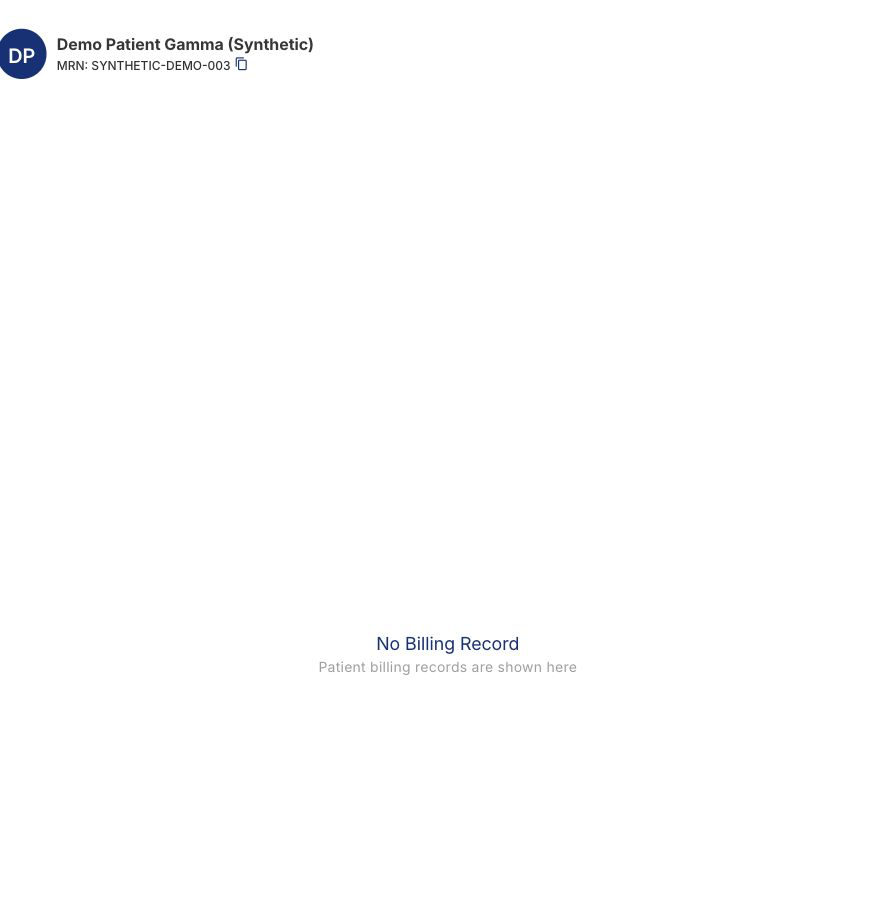
Open Billing from the selected synthetic patient to review existing entries or start a new one. - Select Select billing code, then search or browse the RAMQ catalogue; starred codes appear at the top. Choose a code.
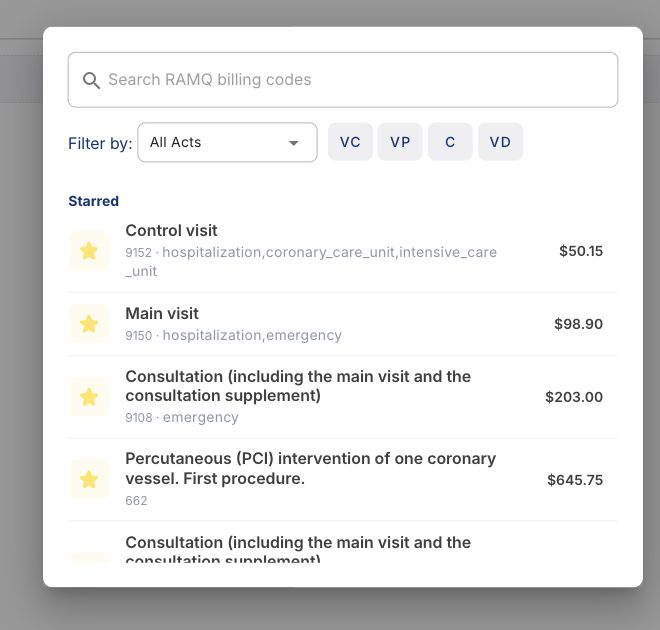
Search or browse the RAMQ catalogue, then independently confirm that the selected code matches the service rendered. - If a referring doctor is required for the code, select one from your prescribers list.
- Fill in the required act details: the unit (for example outpatient, emergency, hospitalization), and the start date and time. Add an end date or measurement unit if applicable.
- Optionally add billing modifiers, then select Save and add more, or Save to finish.
Edit or delete a billing entry
- Select Billing on the patient, then select the billing entry.
- To change it, select Update billing, edit any field, and save.
- To remove it, select Delete billing and confirm.
Billing modifiers and starred codes
- In a billing entry, select Select billing modifiers, then search and select one or more modifiers; remove a modifier with its minus icon.
- Star a code or modifier to add it to your favorites; starred items appear first the next time you open the catalogue.
RAMQ billing is available only to physicians set up to bill in Quebec.
The unit and start date are required on every billing entry; FrontRx does not infer them.
Certain codes require a referring doctor before they can be saved.

Contact Us
Fill up the form and our team will get back to you within 24 hours


Your information is protected.
Made in Québec, Canada with ❤️
Various trademarks held by their respective owners.
Copyright 2025-2026. All rights reserved.
